
Add your library to your store navigation
Give customers a clear path to your library from your storefront menu.
- In your Shopify admin, go to Content › Menus.
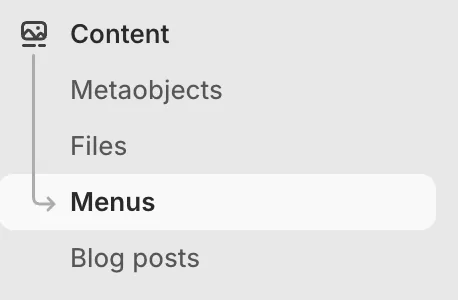
Menus lives under Content in the Shopify admin.
- Open the menu where you want the library link to appear, such as your Main menu.
- Click Add menu item.
- Enter a label customers will recognize, such as Resources.
- For the link, enter your library path:
/apps/resources. Use the path, not your full store URL, so Shopify sends each visitor to the library in their own language on multi-language stores.

The finished menu item, with the label customers see and the library link.
You can also link directly to a specific category in your library. For example: /apps/resources/category.
- Save the menu item, then save the menu.
Also worth doing
Add a library link to your footer or another support area if customers may look for resources there.