Use tags to help customers narrow results
Add tags as extra filters without changing your main library navigation.
How tags work
- Tags give customers another way to narrow resources without adding another level to your library navigation.
- Category or tag? If it should be a section customers browse, use a Category. If it is simply another way to narrow results, use a Tag.
Add tags while adding or editing a resource
For most merchants, this is the easiest way to create tags and connect them to resources as you work.
- Add a new resource or open an existing resource.
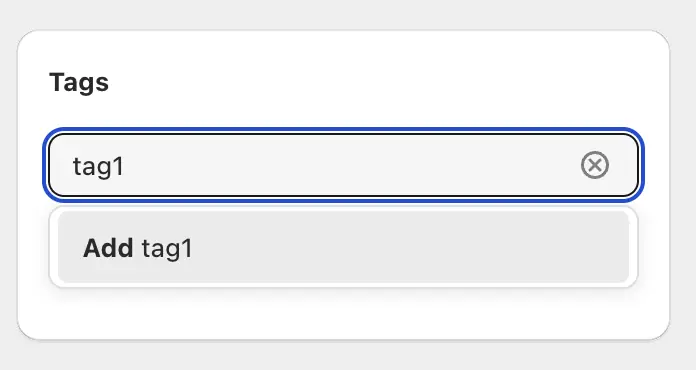
- Find Tags.
- Type the tag you want to use.
- Select an existing tag, or click Add to create it if it does not exist yet.
- Repeat if the resource needs more than one tag.
- Save the resource.